
Architecting 60fps Micro-Interactions in Vanilla JS
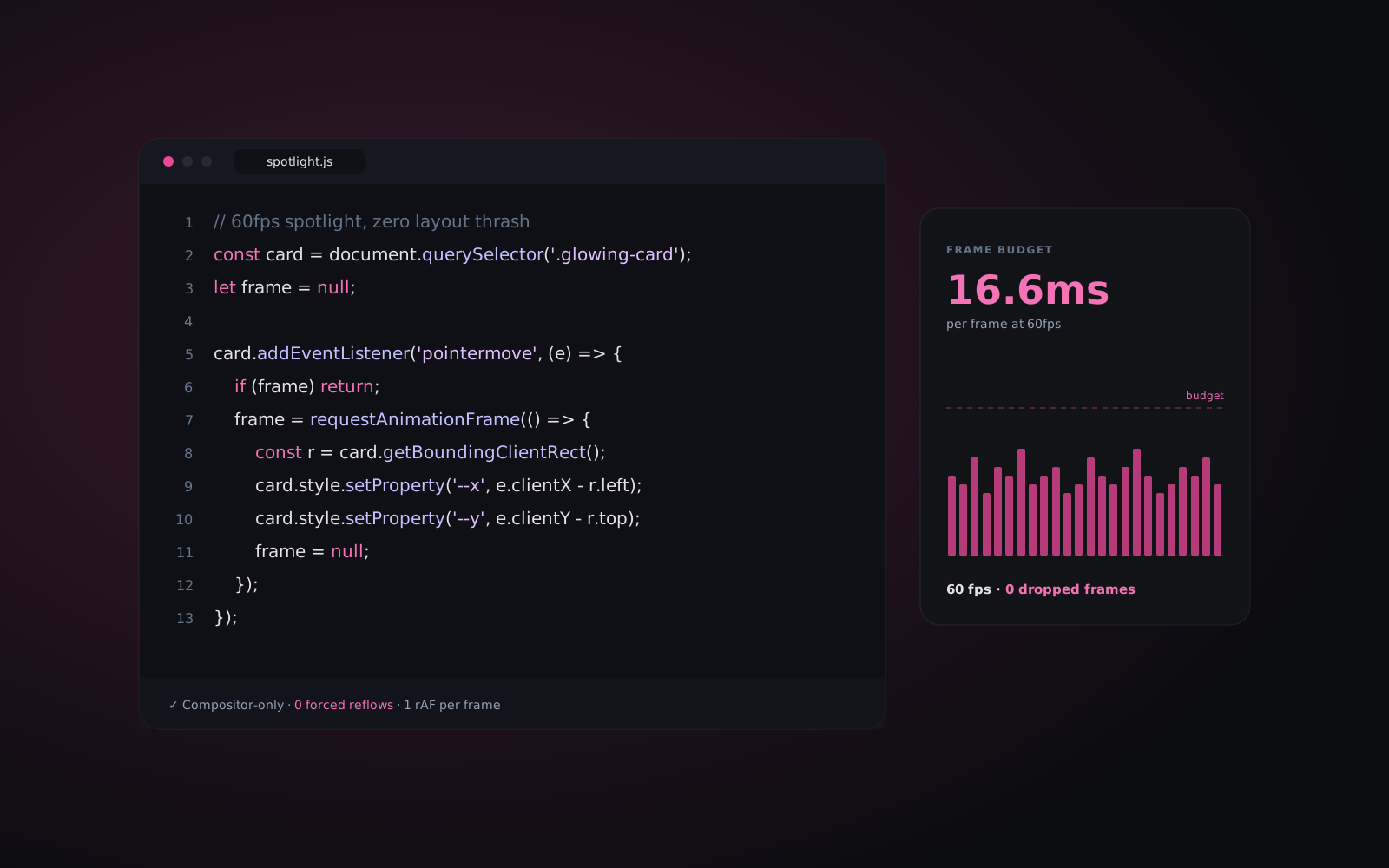
Visual effects often cost more performance than they are worth. Heavy framework re-renders, unthrottled mousemove handlers and layout thrashing can make a smooth display stutter, especially on mid-range phones.
At Nuribuilds Studio, Premium by default means effects should never get in the way of the page. In this field note we break down how we build spotlight cards, magnetic buttons and glass hover states with plain JavaScript and CSS custom properties, aiming for a steady 60fps.
1. Avoid layout thrashing with CSS custom properties
A common performance problem in cursor-aware components is reading layout and writing positioning styles (such as element.style.left) on every mousemove event. Interleaving layout reads and style writes can force the browser to recalculate layout repeatedly within a single frame.
Instead, we calculate coordinates relative to the card, store the latest values, and write them as CSS custom properties (--mouse-x and --mouse-y) at most once per animation frame:
let rect = card.getBoundingClientRect();
let pending = false;
let x = 0, y = 0;

// Re-measure only when the layout can actually change
card.addEventListener('mouseenter', () => {
  rect = card.getBoundingClientRect();
});

card.addEventListener('mousemove', (e) => {
  x = e.clientX - rect.left;
  y = e.clientY - rect.top;

  // Schedule at most one style write per frame
  if (pending) return;
  pending = true;
  requestAnimationFrame(() => {
    card.style.setProperty('--mouse-x', `${x}px`);
    card.style.setProperty('--mouse-y', `${y}px`);
    pending = false;
  });
});
2. Keep the glow on its own paint layer
The spotlight itself lives in a CSS ::before pseudo-element with pointer-events: none. Updating a custom property used in its background repaints that pseudo-element, but it does not change the size or position of anything else, so the browser can skip layout entirely. Fading it in with opacity is cheap for the compositor to animate:
.glowing-card::before {
  content: '';
  position: absolute;
  inset: 0;
  background: radial-gradient(
    600px circle at var(--mouse-x) var(--mouse-y),
    rgba(236, 72, 153, 0.15),
    transparent 40%
  );
  opacity: 0;
  transition: opacity 0.3s ease;
  pointer-events: none;
}

.glowing-card:hover::before {
  opacity: 1;
}
3. Respect the user and the device
Hover effects only make sense where there is a pointer that can hover. We wrap cursor-driven effects in a (hover: hover) and (pointer: fine) media query, skip them on touch devices, and turn off non-essential motion for anyone who has set prefers-reduced-motion: reduce in their operating system.
4. Key takeaways for production UI
- Do not interleave layout reads and style writes inside scroll or pointer event handlers.
- Batch visual updates into a single
requestAnimationFrame()callback per frame. - Use CSS custom properties to separate JavaScript calculations from styling.
- Prefer animating
transformandopacity, and usewill-changesparingly, only on elements that actually animate. - Disable cursor effects on touch devices and honour reduced-motion preferences.
The same discipline is what keeps the websites we build for local businesses fast on a customer's phone. For the business side of that story, read our guide to Core Web Vitals for local businesses.
Want us to look at your site?
Book a free 30-minute call. We will review your current website against the points in this guide and tell you plainly what we would fix first. Remote studio, working with local businesses across the US and Canada.
Get the next guide in your inbox
Plain-English notes on speed, local SEO, accessibility and conversion for local-business websites. No spam, unsubscribe anytime.